

SoundFonter
A downloadable tool for Windows
#Notes#
- This is an AI-assisted project (made with Grok).
It works perfectly fine though, so please bare with the code style.
- For open-source lovers: leave a comment and I’ll upload the source to GitHub later.
SoundFonter
A simple Undertale / Deltarune style character voice generator
Turn short WAV clips into full dialogue Audio clips. Made for quick game prototyping and Video editing YTPs.
Features
- Tag-based dialogue system (
[assertive],[sad],[defeated], etc.) - Consistent tone per section + slight pitch variation
- Adjustable speed (CPS - Characters Per Second)
- One-click export to WAV
- Preview button
- Fully portable .exe (just keep the
soundsfolder next to it)
How to Use
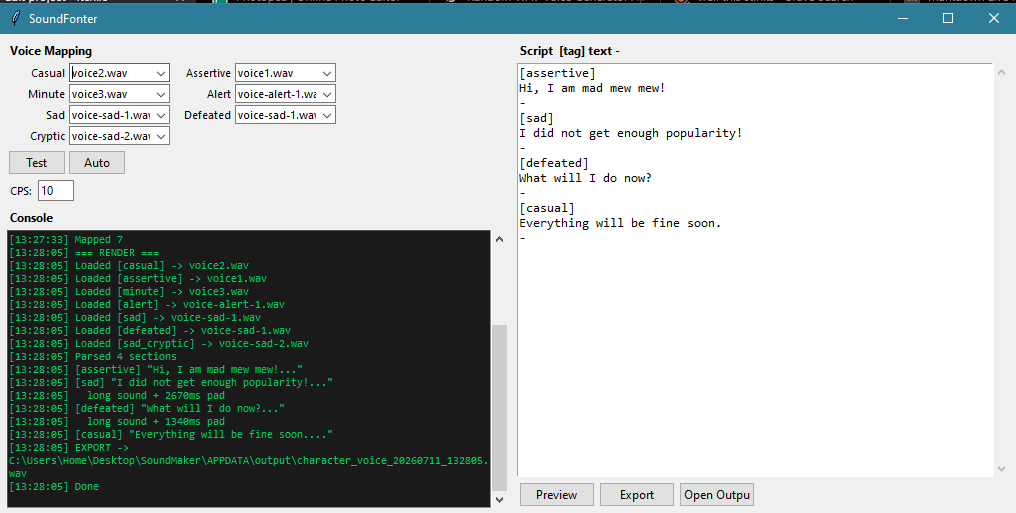
- Open SoundFonter.exe
- Put your short
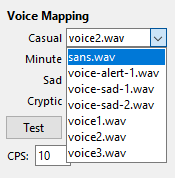
.wavclips inside thesoundsfolder (next to the exe) - In the app, assign each tone to a file (or click Auto if replacing with same file names)
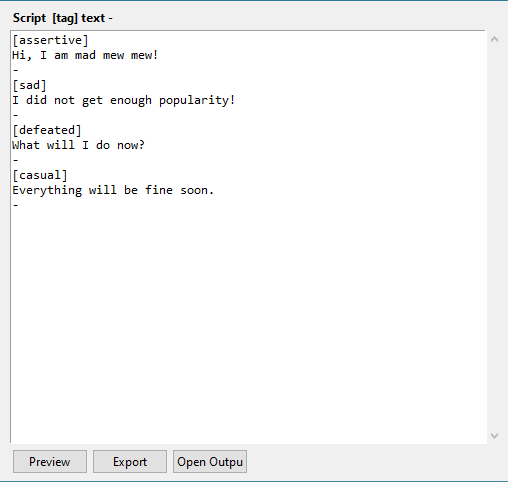
- Write your dialogue using this format:
[assertive]
Hi, I am mad mew mew!
-
[tag]must be alone on its line-must be alone on its line to end the section- Dialogue goes in the middle
- Set the CPS (higher = faster talking)
- Press Export → a timestamped WAV appears in the
outputfolder
There's already sample text loaded so you can test it immediately.
Have fun making your characters talk!
If someone steals this little brainfart and remakes a better version in Rust, please let me know >:3
Download
Click download now to get access to the following files:

Leave a comment
Log in with itch.io to leave a comment.